
Friday, September 30, 2011

A little extra...
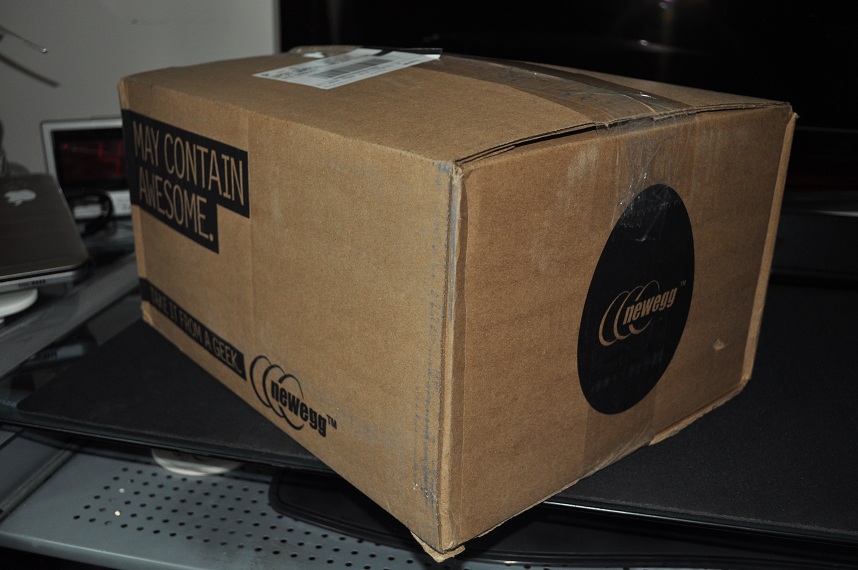
Oh a little package arrived:


I read somewhere that an octo-gate is better then a square gate for the SANWA JLF. Well I purchased some from Lizardlick along with some quick disconnects (for wiring the pushbuttons for the arcade cabinet). I ordered four octo-gates. 2 for my Madcatz Tournament Edition Sticks and 2 that will go in the arcade cabinet.
Here is my arcade stick:

Here is the octo-gate:

Here I'm performing surgery on my arcade stick.

Here is what we are removing/upgrading:

Removed:

Side by side comparison:

New transplant:

Here is everything closed up. It doesn't look different. It doesn't smell different. Maybe it will play different.

First thing is to check out that I didn't break anything:


Fire up my main PC (different PC from my newly built MAME PC) which has SSFIV AE:

After a quick match....hmmmm....not bad!


Before I forget, I have to add up the cost of the gates and the quick disconnects:
Cost for gates & quick disconnects: $29.35
Total cost so far for project: $539.36 (this doesn't even include the Kraylix Cabinet. I'll add that price when I receive it)


Here is my arcade stick:

Here is the octo-gate:

Here I'm performing surgery on my arcade stick.

Here is what we are removing/upgrading:

Removed:

Side by side comparison:

New transplant:

Here is everything closed up. It doesn't look different. It doesn't smell different. Maybe it will play different.

First thing is to check out that I didn't break anything:


Fire up my main PC (different PC from my newly built MAME PC) which has SSFIV AE:

After a quick match....hmmmm....not bad!

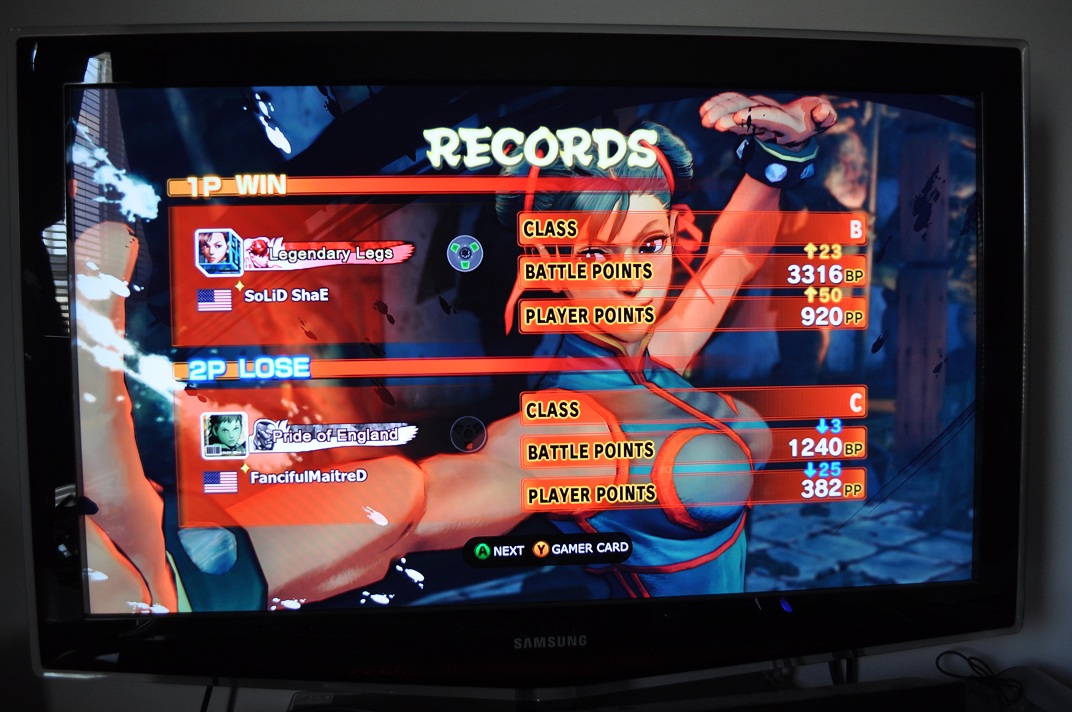
Before I forget, I have to add up the cost of the gates and the quick disconnects:
Cost for gates & quick disconnects: $29.35
Total cost so far for project: $539.36 (this doesn't even include the Kraylix Cabinet. I'll add that price when I receive it)
Surgery on my PC...
What do I spy from Newegg:


Time to perform surgery!

Here is the old mother that has been surgically removed from the PC.


Now lay it on its side and get ready to turbo charge it!
Ohhh....Micro-ATX Motherboard:


Ohhhhhh....4GB Memory


OOOHHHHHH....AMD Phenom II x4 965 Processor!


OOOOOOHHHHHHH....HIS Radeon HD 6850 Graphics Card!


About 30 mins later. Surgery complete!

Yuk! Looking at this hurts my eyes!
Much, much better!

And a little extra (but we already knew that)!

After testing it out...Not bad! Not bad at all:

Everything seems to be working. Good!
I simply ran Windows 8 Developers build (64-bit) to test out the PC and make sure that all the components I ordered are working and not DOA. I will eventually buy Windows 7 home premium OEM from Newegg as a permanent install. Once I do that then I'll install SSIV AE and MAME.

Time to perform surgery!

 |
| Bring forth goodness!! |

Piece of crap!
 |
| Piece of Crap! |

Now lay it on its side and get ready to turbo charge it!
 |
| Its ready!! |


Ohhhhhh....4GB Memory


OOOHHHHHH....AMD Phenom II x4 965 Processor!


 |
| Stock Heatsink for now |


About 30 mins later. Surgery complete!

Yuk! Looking at this hurts my eyes!
 |
| Front of case |

And a little extra (but we already knew that)!

After testing it out...Not bad! Not bad at all:

 |
| Everything on high settings! |
I simply ran Windows 8 Developers build (64-bit) to test out the PC and make sure that all the components I ordered are working and not DOA. I will eventually buy Windows 7 home premium OEM from Newegg as a permanent install. Once I do that then I'll install SSIV AE and MAME.
Subscribe to:
Posts (Atom)